Pipeline Overview: Interior Scene Production with Houdini and USD
This post documents a pipeline designed for collaborative interior scene production using Houdini and USD.
Rather than focusing on a single final render, the goal is to address a common production problem: how to allow multiple designers to work on the same interior scene in parallel without relying on a single monolithic file.
USD Interior Design Pipeline: Collaboration Challenges
In many interior design workflows, scenes are stored either as one large scene file or as loosely connected FBX assets.
As soon as multiple designers are involved — for example, working on layout, furniture, doors, materials, or lighting — this approach leads to version conflicts, duplicated files, and fragile scene management.
The larger the scene becomes, the harder it is to maintain consistency across tools and contributors.
Design Goals for a USD-Based Interior Design Pipeline
The task was to design a workflow that allows several designers to work on the same interior scene simultaneously.
The solution needed to:
- avoid a single shared “master” scene file
- preserve object positions and spatial relationships
- support asset and material variations
- remain usable across different DCC applications and renderers
This setup allows modular assets to be combined and updated without rebuilding the scene.
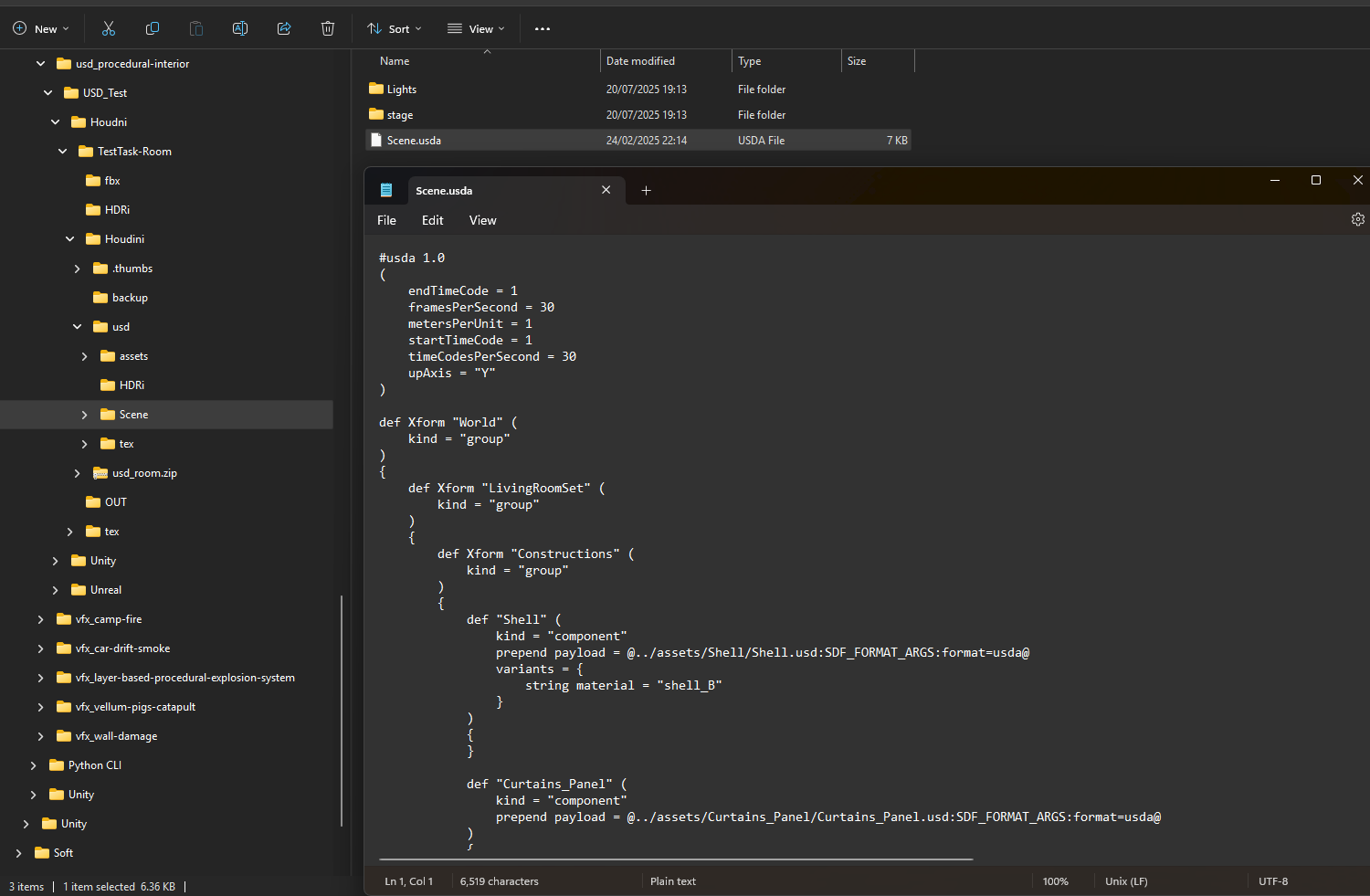
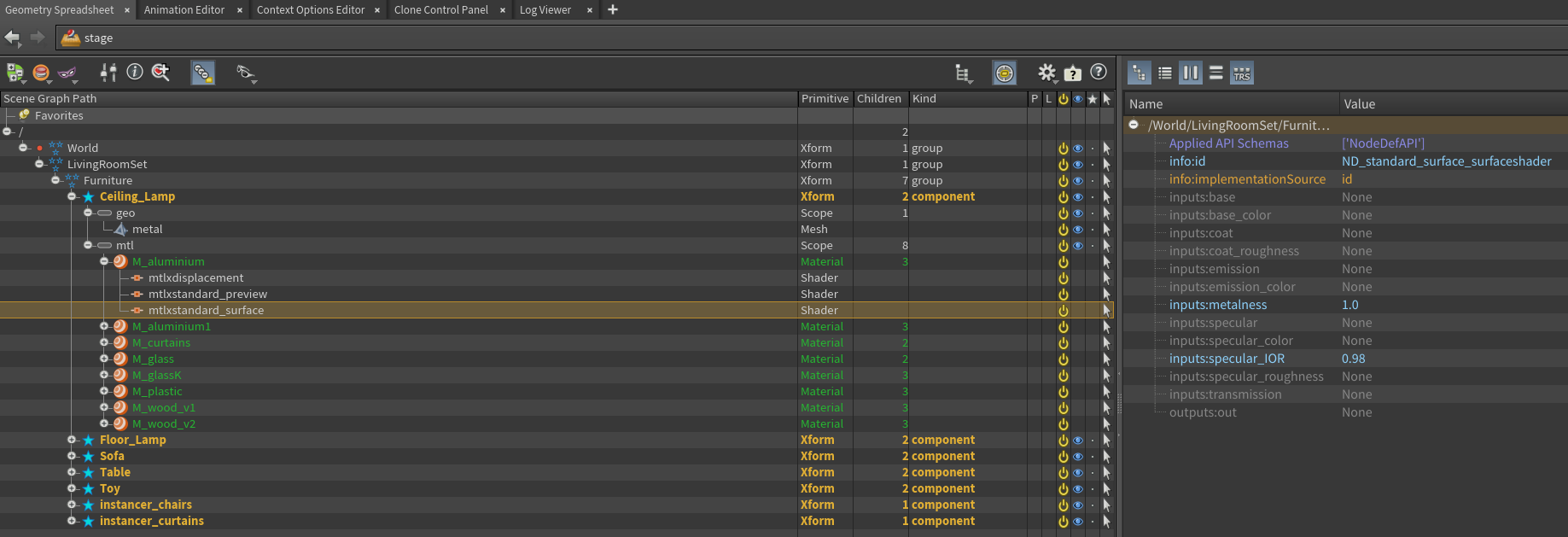
Building a USD Interior Design Pipeline with Houdini
The solution was built around using Houdini as the main authoring hub and USD as the scene composition and management layer.
The room structure is created procedurally and controlled through parameters.
Walls, floors, ceilings, windows, and doors can be modified or extended without rebuilding geometry.
Assets such as furniture, doors, or props remain modular and reusable.
In many cases, they continue to exist as FBX files, while USD is used to describe how these assets are assembled into a scene.
USD defines:
- transforms and spatial layout
- references and instances
- material and lighting assignments
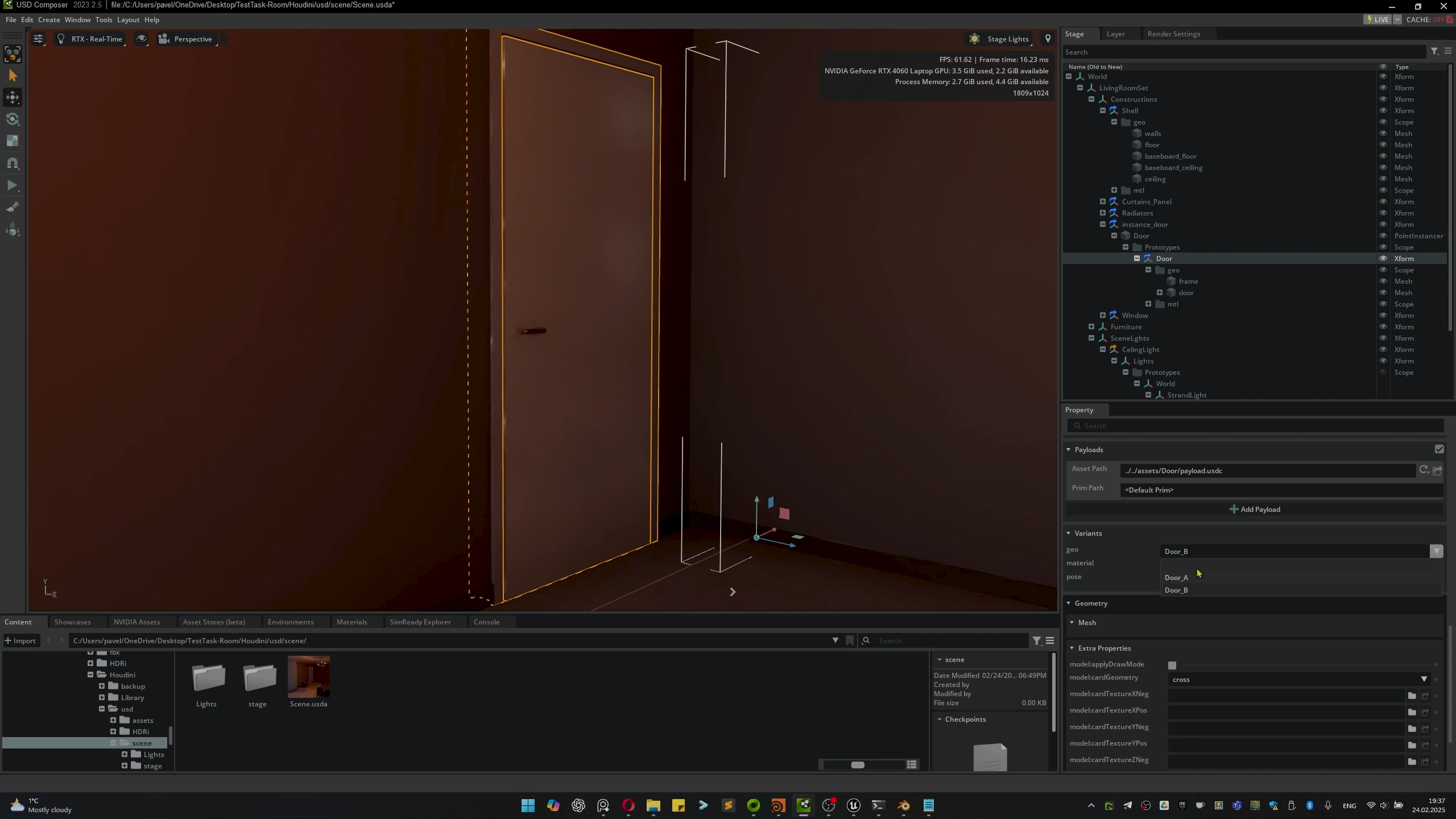
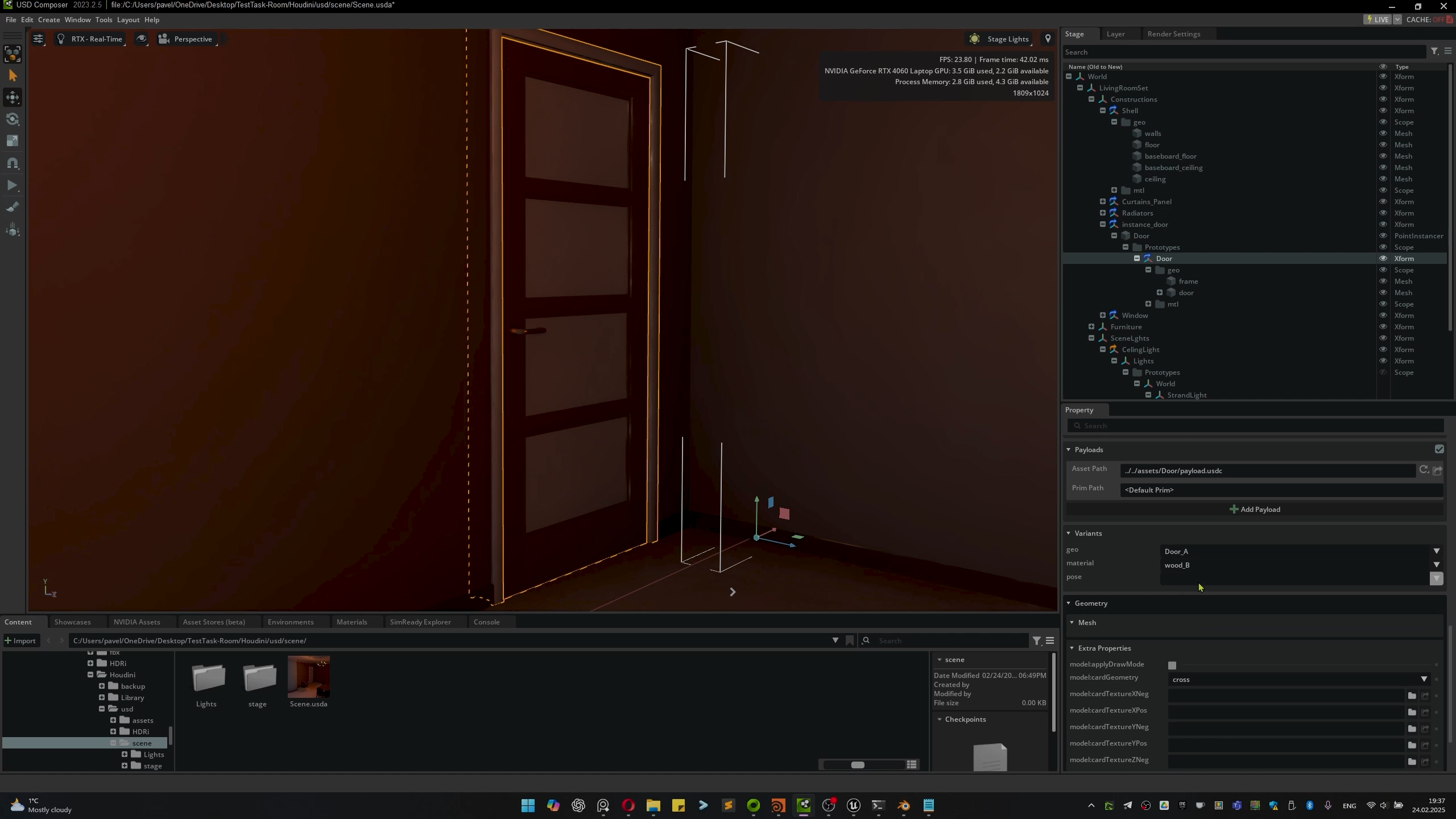
- object, material, and lighting variants
For example, a door model can be swapped for another variant while preserving its position and orientation. Materials and lighting setups can also be changed through variants without altering the underlying scene structure.
Result — Benefits and Trade-Offs
As a result, multiple designers can work in parallel. One person can focus on furniture, another on doors, while an interior designer adjusts layout and composition.
No one needs to load, save, or manage the entire scene file. Only the required parts are pulled from a repository and updated independently.
Scene positions and object relationships remain consistent across tools. Adaptation is mainly required at the renderer and material level, since different applications interpret shading models differently.
Another trade-off is onboarding. USD-based workflows require training and a shift in how scenes are structured, but this added structure significantly improves organization, scalability, and long-term maintainability.
Cross-DCC and Renderer Usage
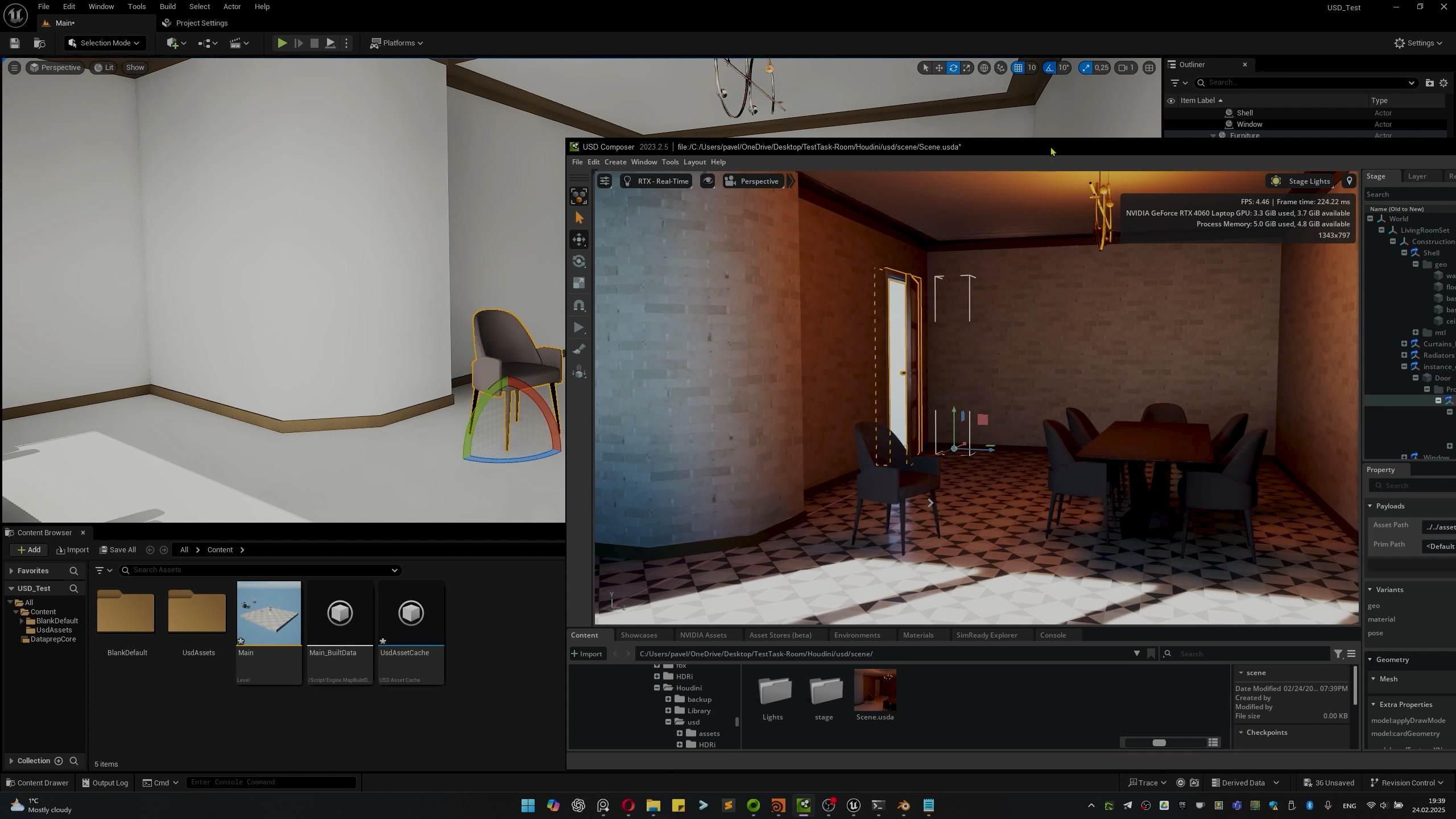
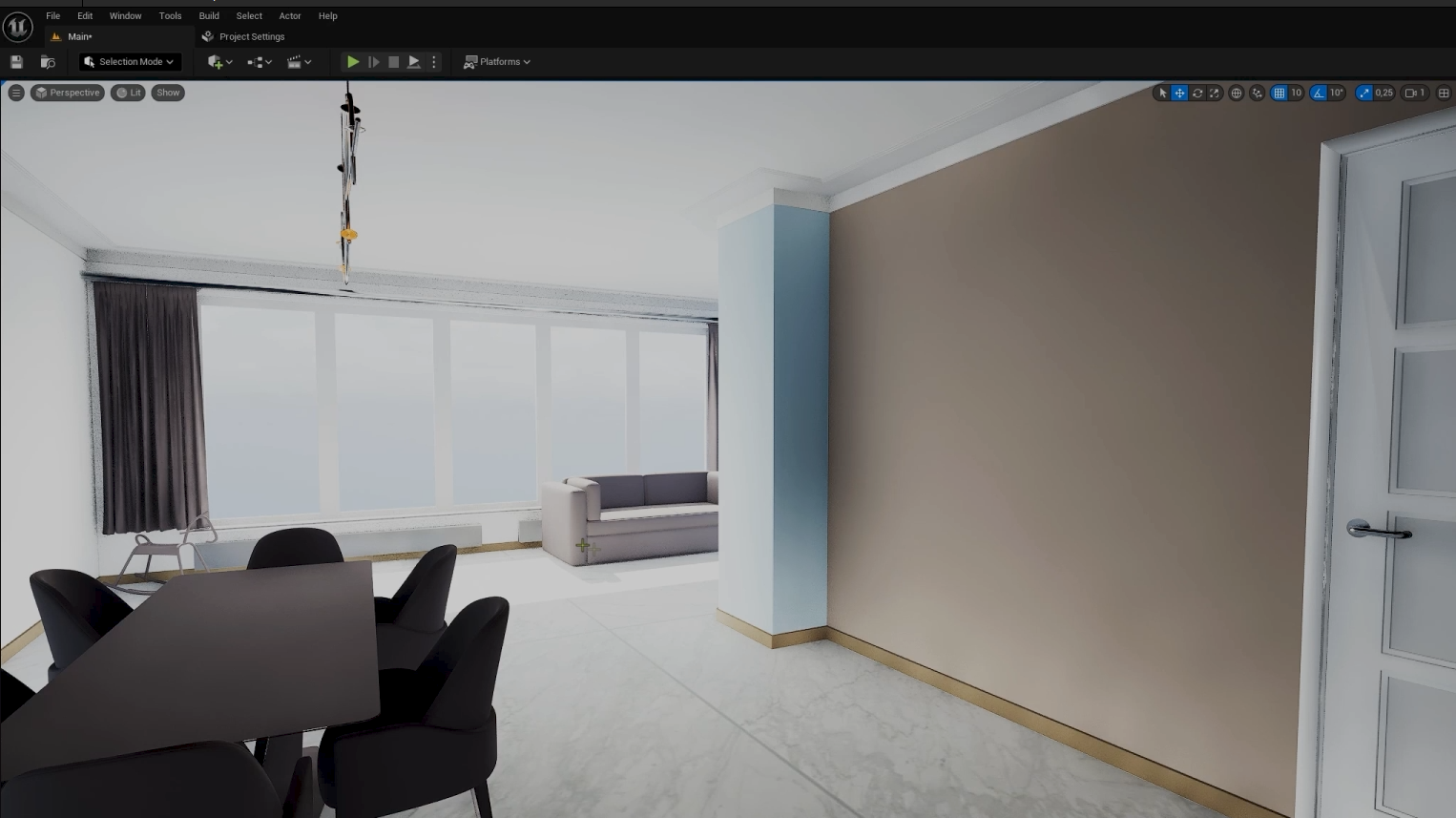
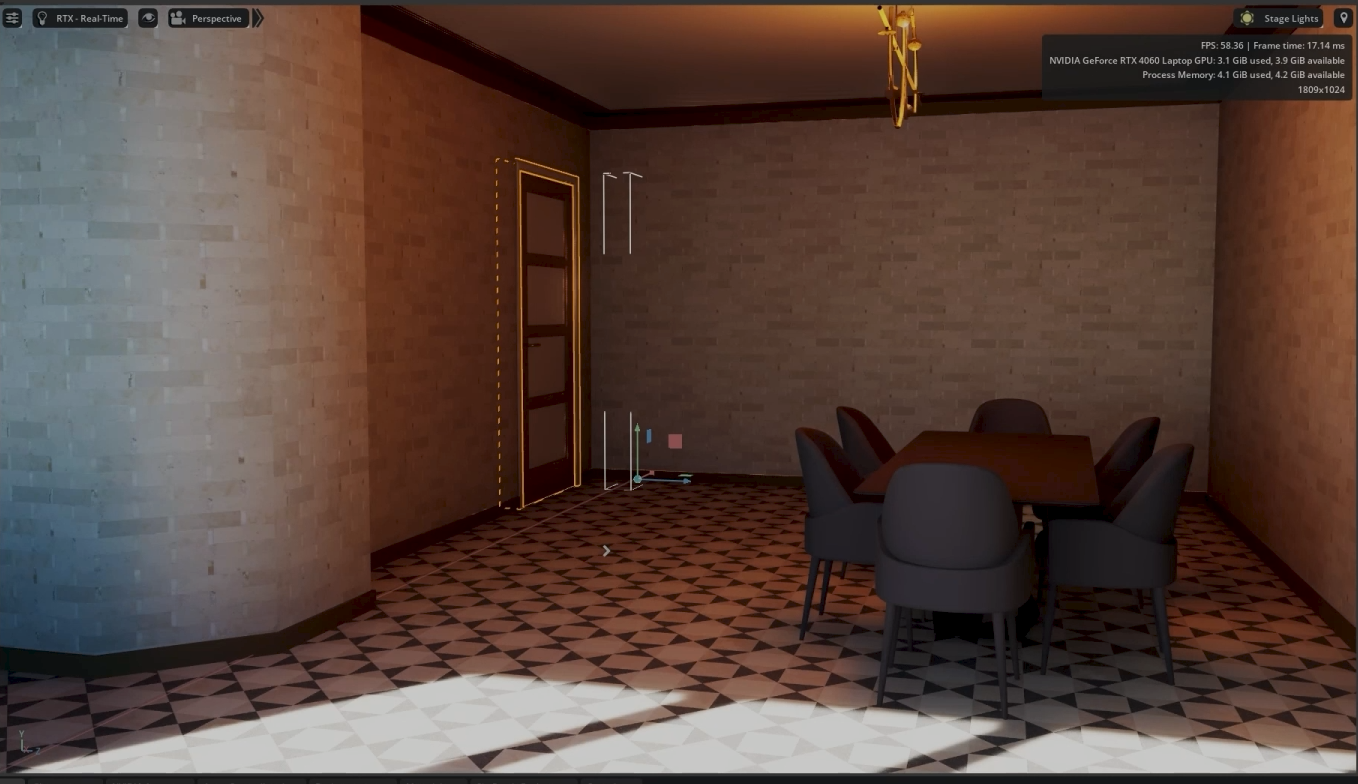
The same USD scene structure can be consumed by different applications.
Offline renderers and real-time engines can use the same scene description without changing its structure.
Houdini remains the main authoring environment, while other tools are used for layout, transformations, and variation management.
USD is used here as a scene management system rather than a file replacement.
Scope
This example is presented as a demonstration of the approach rather than a finished or universal solution.
The same principles can be adapted to different production contexts, including interior design, games, film, and other scene-based pipelines.
USD Reference
USD (Universal Scene Description) was originally developed at Pixar Animation Studios as a framework for managing complex scenes in large productions.
For a general overview of USD concepts and design principles, see the reference article:
Links: